

ColorRam
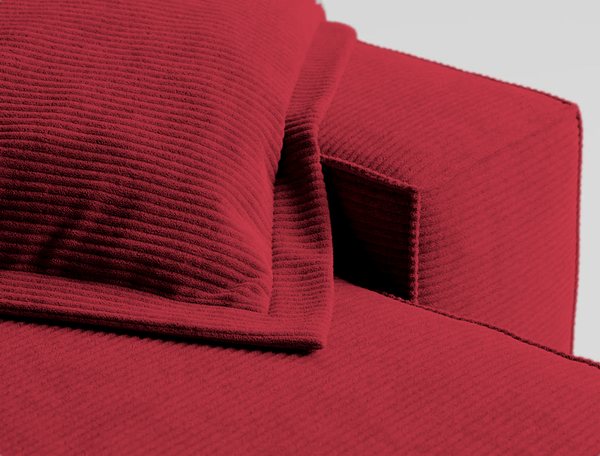
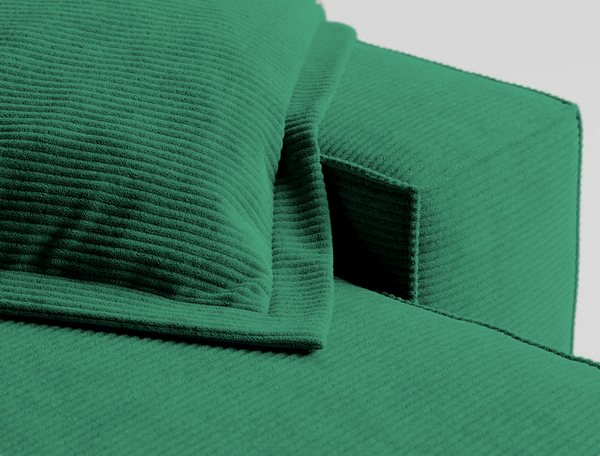
Every image matches the swatch. Your whole batch in minutes, not days.
Try it on as many images as you like.
Your first 30 saves are on us.
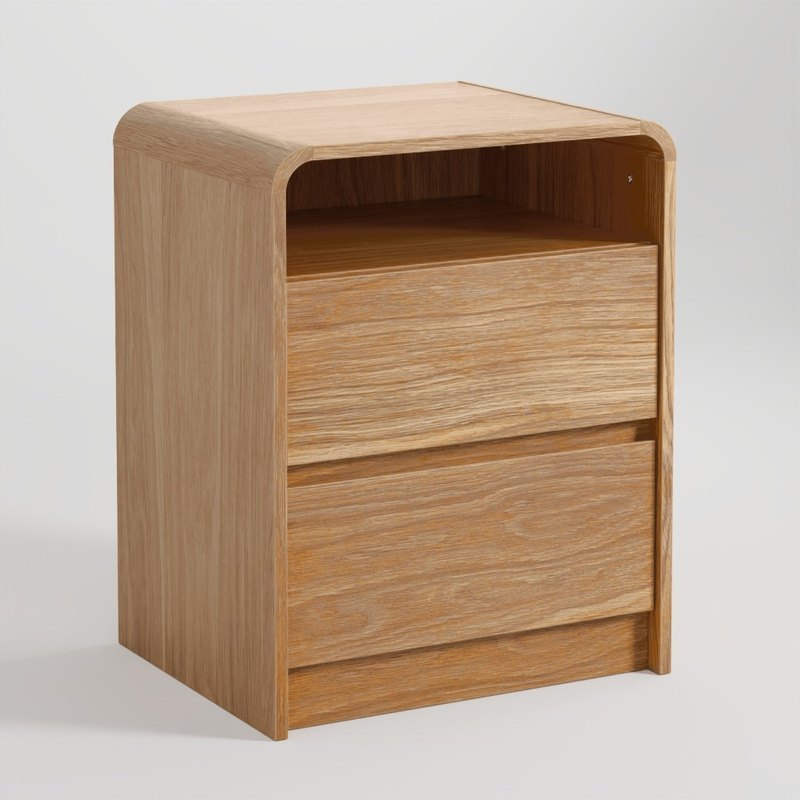
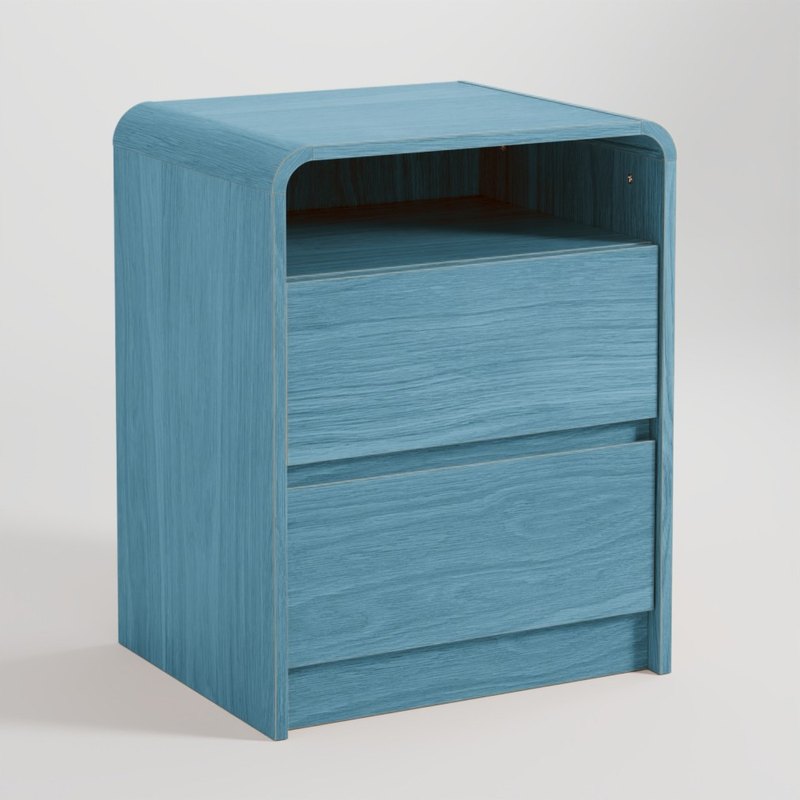
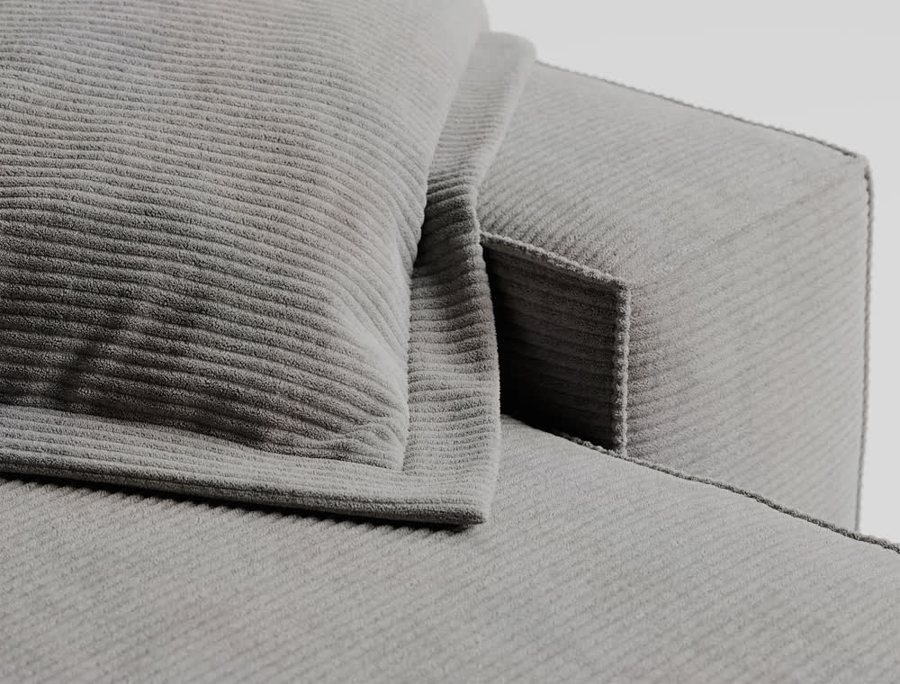
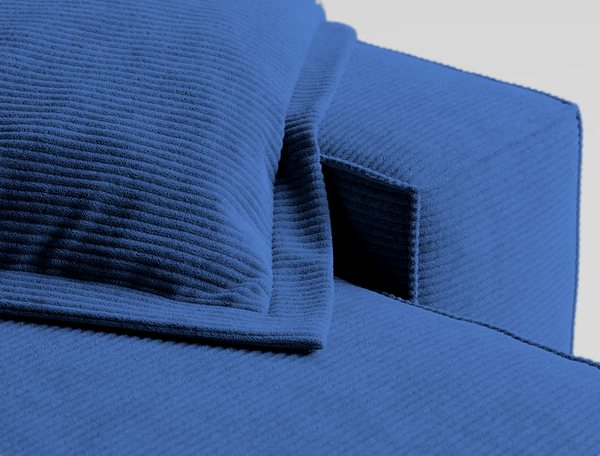
Batch color correction and recoloring, every image to the same color.
Done. Every image matches.






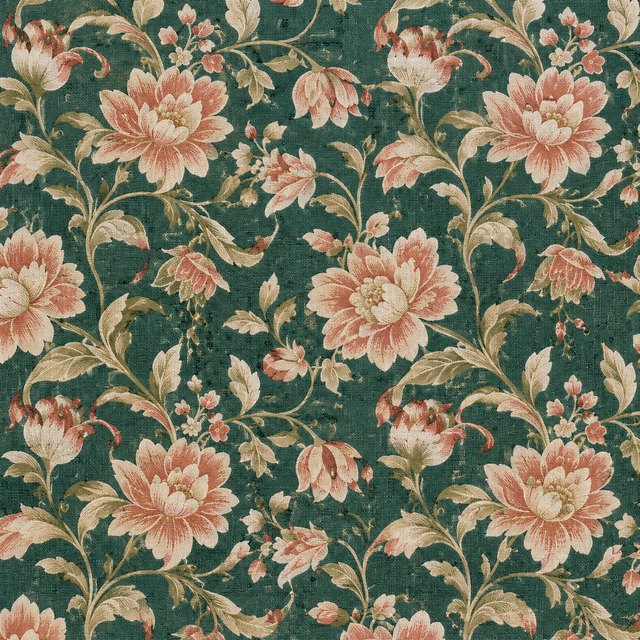

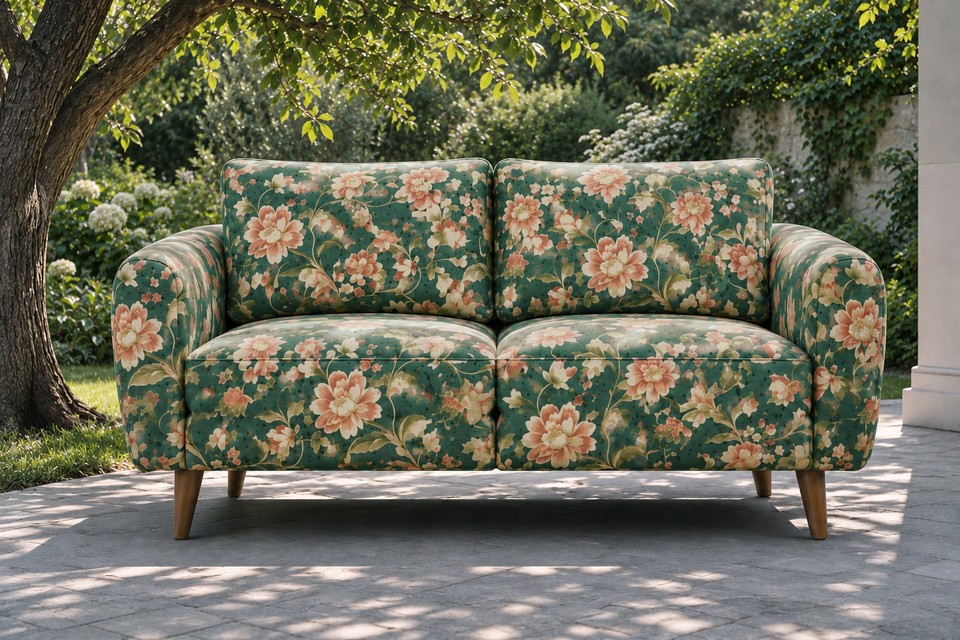
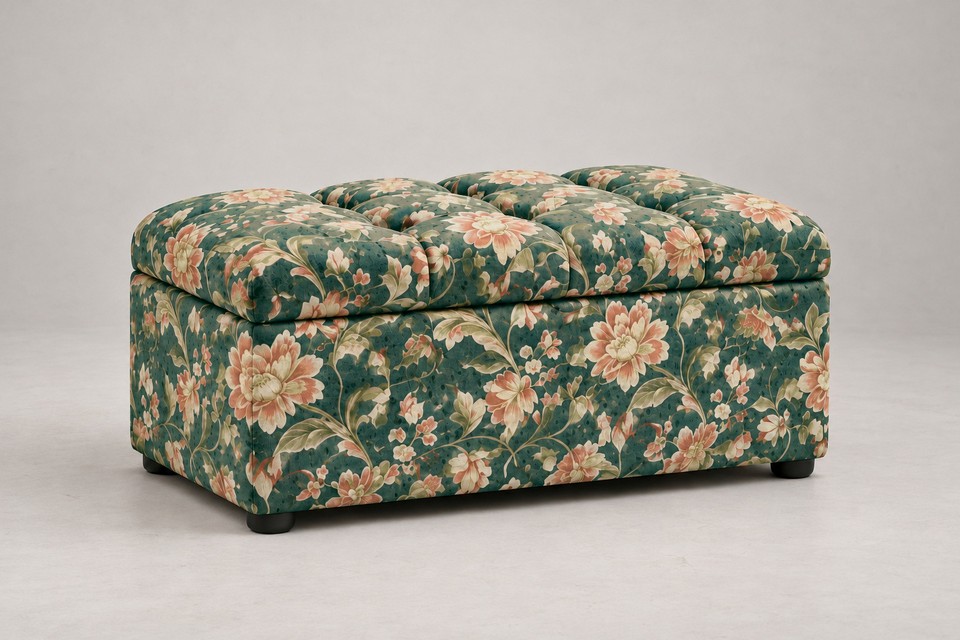
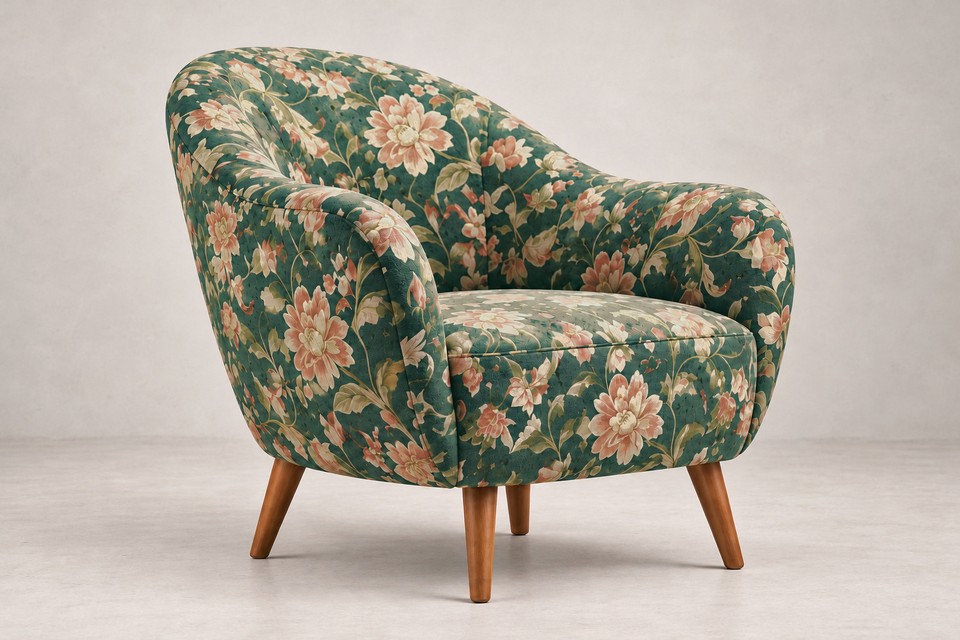
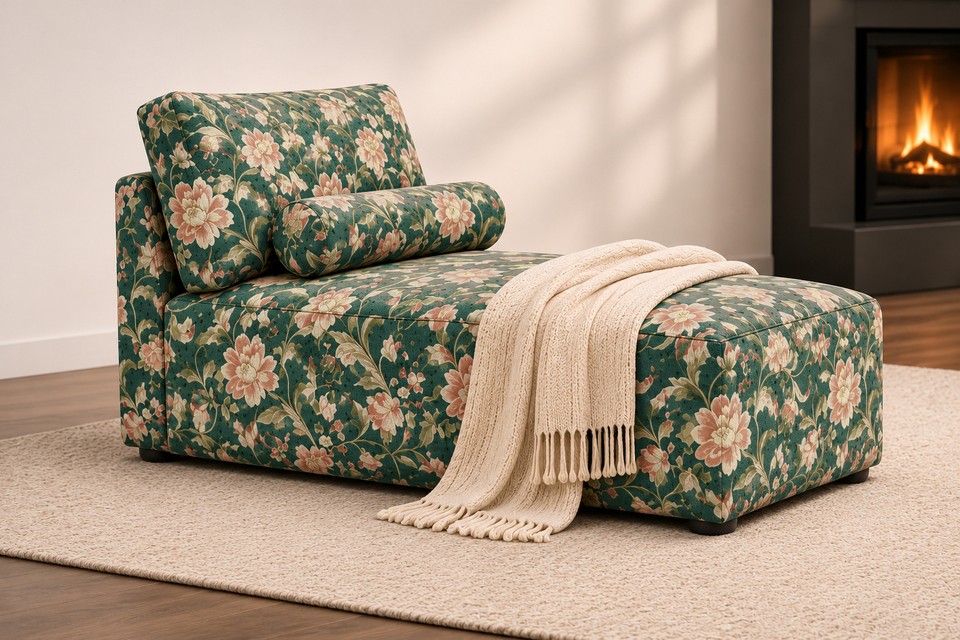 Reference
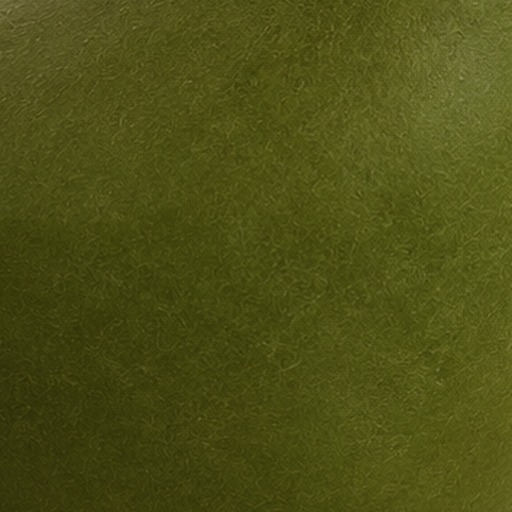


Matches all images
to one reference image.
Turns all images
into a new color, with
the folds and light kept.
Yes, all of it. Load your own images, match, preview and fine tune as much as you like and see the final result. You only pay when you save a finished image, and your first 30 exports are free.
Yes. A Personal licence works on 2 computers, and both share the same monthly images. You can move it to a new computer once a month, from the app or from your account here. A computer works with one Personal licence at a time.
Personal gets 100 new image points every month on the day you bought, and unused ones are saved up to 300. On Studio, monthly image points refill every month and unused ones do not carry over. Image points from packs never expire.
A mask is an image that marks the part of your picture you want to color correct. ColorRam accepts standard black and white masks, where white is changed and black is left alone, and RGB masks, where you choose which channel to use: red, green or blue. Most studios already make them in their render or retouching workflow.
Only for a short while. ColorRam needs an internet connection to sign in and keep your image points up to date. Your images themselves are never uploaded.
Prices are shown without VAT. VAT for your country is added at checkout. Businesses with a valid EU VAT number enter it at checkout and pay no VAT.
Your Personal licence has no end date, and we guarantee updates for at least 3 years from purchase. If the service ever ends, a final update keeps version 1 saving images on your computer, without our servers.
Not yet. ColorRam runs on Windows 10 and 11, 64 bit.
Personal is for freelancers and companies of up to 5 people, with one licence per person and at most 3 licences per company. Companies with 6 or more people need a Studio licence. Already on Personal? You can upgrade to Studio on the same account. Your Personal licence is kept on hold and comes back, with its monthly image points, if you cancel Studio.
Saving one finished image uses one image point. Loading, matching, previewing and fine tuning are always free.
After you save an image, you can make a minor change and save it again once for free, as long as the reference color stays the same. Saving the identical result again is always free. Picking a clearly different color, even from another area of the same reference picture, counts as a new reference and uses an image point. A lighter or darker part of the same swatch still counts as the same reference. ColorRam shows this before you save.
Same image points, arriving every month either way. Yearly costs the same as 10 months.
For now, yes. You supply a mask for each image. Automatic masks are coming.
On your own computer. Nothing is uploaded for processing, so client work stays with you.
Yes, within 14 days of buying, for the part of a pack you have not used. Used images count at 0.15 EUR each (plus VAT where you paid VAT), the price of the smallest pack, because a bigger pack is only cheaper per image when you keep all of it. The rest is refunded. A second refund within 2 months pauses buying packs for 6 months. Ask from your account here or write to info@renderram.com. See the Terms.
With your Google account, or with a one time code sent to your email. There are no passwords.
Windows 10 and 11 · 64 bit · Free to download